
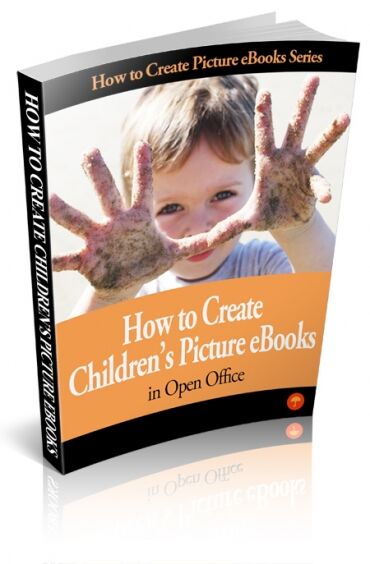
How to Create Children's Picture eBooks in Open Office
Create stunning children's picture eBooks using Open Office. Learn everything from creating a cover page to sourcing original artwork.
PLR Ebook on How to Create Children's Picture eBooks in Open Office
Having experience using various productivity software or tools is advantageous if you are planning to apply for a job.
If you have no experience using Open Office, then this ebook will serve as your guide.
Below are some of the topics you will learn:
- Picture Book Considerations
- Publishing Considerations
- Creating a Cover Page
- Images for your Cover and eBook
- Publishing Options
- Sourcing Original Artwork for Picture eBooks
- And much more...
Terms
- [YES] Can be sold
- [YES] Can be used for personal use
- [YES] Can be packaged with other products
- [YES] Can modify/change the sales letter
- [YES] Can modify/change the main product
- [YES] Can modify/change the graphics and ecover
- [YES] Can be added into paid membership websites
- [YES] Can put your name on the sales letter
- [YES] Can be offered as a bonus
- [YES] Can be used to build a list
- [YES] Can print/publish offline
- [YES] Can convey and sell Personal Use Rights
- [YES] Can convey and sell Resale Rights
- [YES] Can convey and sell Master Resale Rights
- [YES] Can be translated to other languages
- [YES] Can be added to shops/memberhips containing more than 500 products
- [NO] Can be given away for free
- [NO] Can be added to free membership websites
- [NO] Can convey and sell Private Label Rights
Loading preview. Please wait...
- /
-
- CreateChildrenseBookOO_plr
- Ebook
- 2 - How to Create Picture eBook in Open Office.doc
- 2 - How to Create Picture eBook in Open Office.odt
- 2 - How to Create Picture eBook in Open Office.pdf
- Ecover
- Cover 1b Create Kids Books Open Office .jpg
- Cover 1b Create Kids Books Open Office .psd
- Cover 6b.jpg
- Cover 6b.psd
- eCover.jpg
- eCover450.jpg
Related Products


Latest products


Latest products