
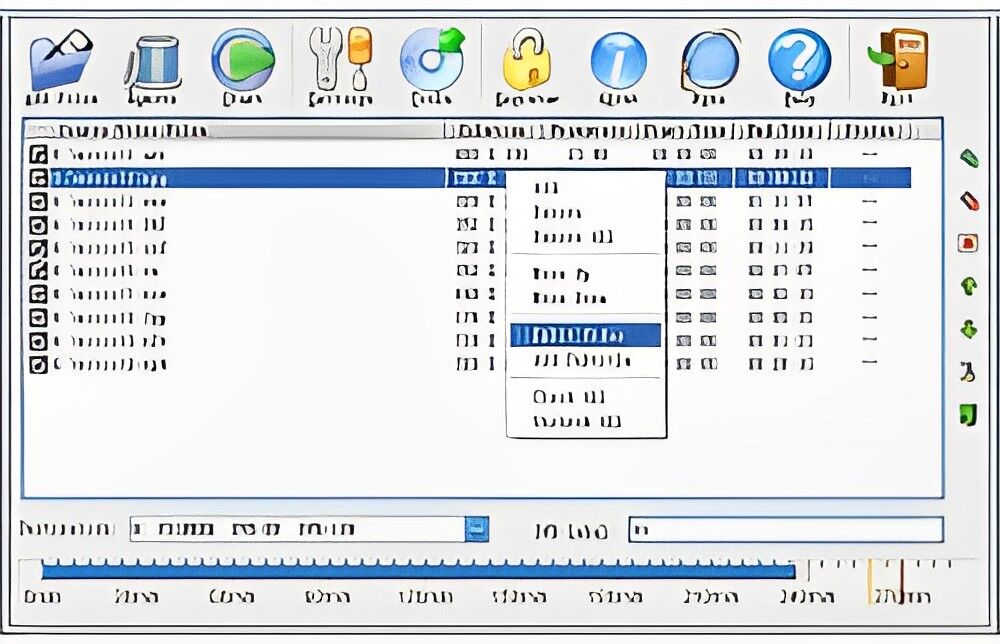
Burn Video That Plays In DVD Player
Burn almost any video file to create a DVD that you can play on your DVD player. All you'll need is a DVD burner and video DVD burning software installed on your computer.
In a few simple steps, you can burn almost any video file to create a DVD that is playable on your DVD player! To achieve this, you will need a DVD burner and video DVD burning software installed on your computer.
Here are the steps you'll need to follow:
- Make sure your computer has a DVD burner.
- Install video DVD burning software if it's not already installed.
- Select the video files you want to burn.
- Follow the software’s instructions to burn the DVD.
That's it! You can now enjoy your videos on any standard DVD player.
Terms
- [YES] Can be sold
- [YES] Can be used for personal use
- [YES] Can be packaged with other products
- [YES] Can modify/change the sales letter
- [YES] Can modify/change the main product
- [YES] Can modify/change the graphics and ecover
- [YES] Can be added into paid membership websites
- [YES] Can put your name on the sales letter
- [YES] Can be offered as a bonus
- [YES] Can be used to build a list
- [YES] Can print/publish offline
- [YES] Can convey and sell Personal Use Rights
- [YES] Can convey and sell Resale Rights
- [YES] Can convey and sell Master Resale Rights
- [YES] Can convey and sell Private Label Rights
- [YES] Can be translated to other languages
- [YES] Can be added to shops/memberhips containing more than 500 products
- [NO] Can be given away for free
- [NO] Can be added to free membership websites
Loading preview. Please wait...
- /
-
- BurnVideoToDVD
- video-1
- FlashTemplate.css
- ProductionInfo.xml
- clickhere.html
- swfobject.js
- video-1.flv
- video-1.js
- video-1_config.xml
- video-1_controller.swf
- video-1_nofp_bg.gif
- video-1_preload.swf
- video-1.avi
Related Products


Latest products


Latest products